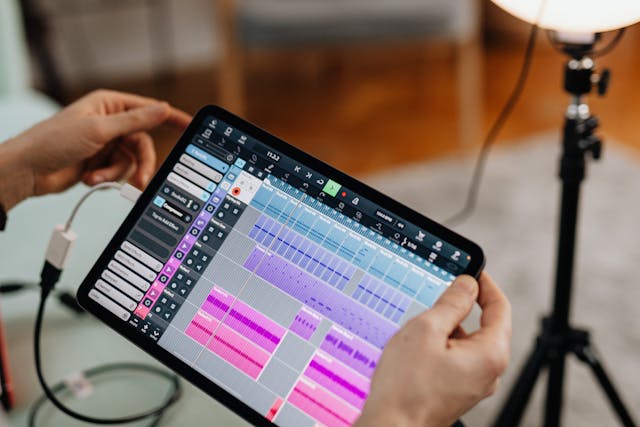
Modern music, podcasts, and sound design typically all begin in one place, the Digital Audio Workstation or DAW for short. Once limited to high-end studios, DAWs of today allow anyone with a computer to record, edit, and mix professional-quality audio from home. Whether you’re capturing vocals, building beats, or scoring a film, a DAW is your creative control center.
But what exactly is a DAW, and how does it actually work behind the scenes? Understanding this will help you use your software more effectively and manage your audio formats with tools like WAVconverter.com, which ensures your recordings are compatible with any platform.
What Is a Digital Audio Workstation?
A Digital Audio Workstation is software that enables users to record, edit, mix, and produce sound in digital form. It replaces the large analog mixing consoles and tape machines of the past with a single, powerful interface.
DAWs combine several roles:
-
A recorder to capture sound from microphones and instruments
-
An editor to cut, move, or correct audio
-
A mixer to balance multiple tracks
-
A host for virtual instruments and effects
Popular examples include Logic Pro, Ableton Live, Pro Tools, Cubase, and FL Studio all of which offer slightly different workflows but the same fundamental purpose: transforming sound into finished music or media.
How a DAW Works
The DAW’s process can be broken down into a few logical stages.
1. Recording and Conversion
When you record into a DAW, your microphone or instrument sends an analog signal to your computer’s audio interface. That interface converts the signal into digital form using Pulse Code Modulation (PCM).
Each sound wave is captured as thousands of samples per second, creating a precise digital map of the audio. The DAW stores these as audio files, typically WAV or AIFF, which are uncompressed and ideal for editing.
Tools like WAVconverter.com come in handy here, especially if you need to convert these files into smaller or more shareable formats without losing quality.
2. Editing and Arrangement
Once recorded, audio clips appear visually as waveforms on your timeline. Here you can cut, copy, move, stretch, or layer sounds with total freedom. Unlike physical tape, DAWs perform non-destructive editing, meaning you can always revert changes.
3. Mixing and Effects
Next comes mixing, where volume, panning, and effects are applied to each track. DAWs simulate the process of mixing desks but add more flexibility through plugins which are digital tools for EQ, compression, reverb, and creative sound shaping.
4. Exporting or “Bouncing”
Finally, the DAW combines all tracks into one final file, known as the “bounce” or “export.” This file can be saved as WAV (for high-quality mastering), MP3 (for distribution), or other formats.
Why DAWs Matter
DAWs democratized sound creation. What once required expensive studio gear can now be done with a modest computer and creativity. From home musicians to major film studios, nearly every piece of modern audio passes through a DAW at some point.
They also ensure a consistent workflow between recording, editing, and mastering, the essential foundation for professional audio.
Conclusion
A Digital Audio Workstation is both a creative tool and a technical powerhouse allowing users to capture analog sound, convert it to digital, and offering limitless manipulation. Understanding how DAWs work can help you record smarter, mix better, and prepare your final audio for any platform.